Find QuickBooks transaction linked to a QuickBooks Payments Transaction ID
Last updated: September 3, 2026
Learn how to find the sales receipt or payment related to a credit card charge in QuickBooks.
If you have the QuickBooks Payments' Transaction ID, you can find the related QuickBooks transaction in a few steps.
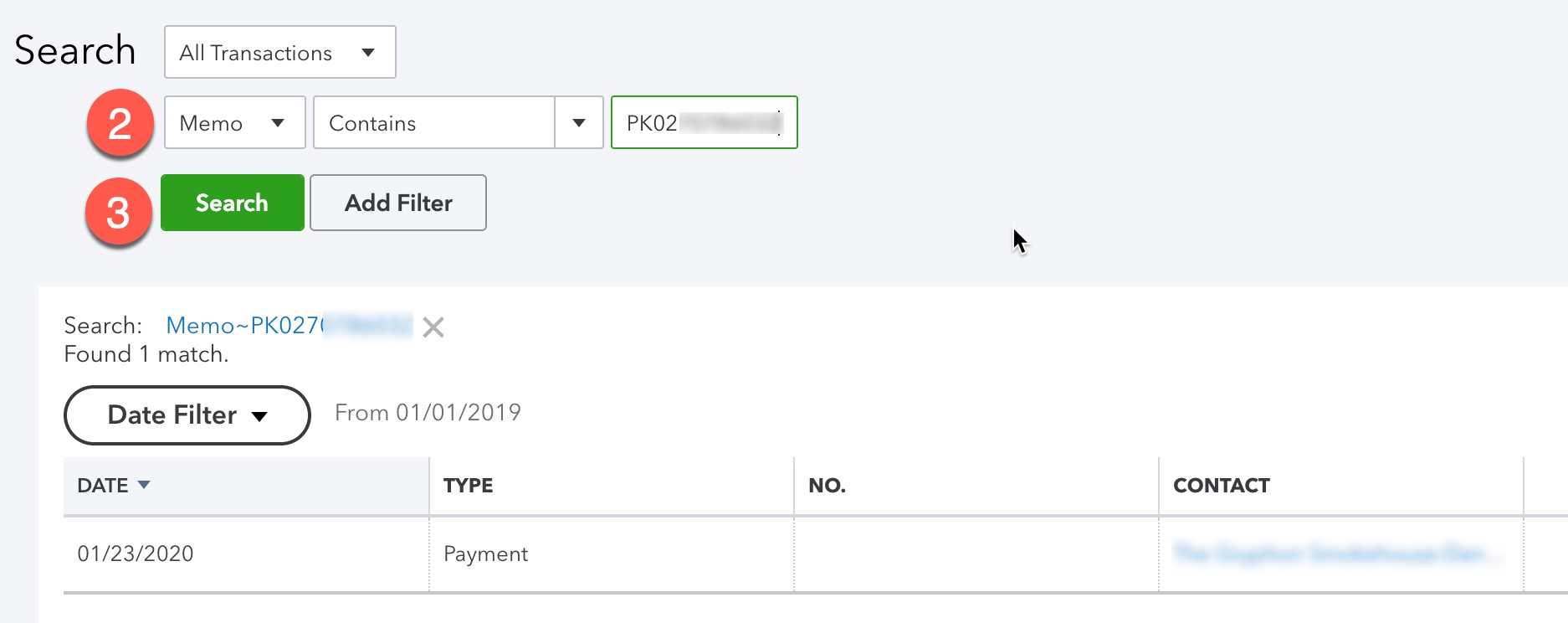
1. In QuickBooks, paste the transaction ID into the search box at the upper right. Press enter.

2. Make sure that the search bar is set to "Memo" and press "search."