Ecommerce Cart Abandonment Email
Last updated: September 3, 2026
Give members an extra nudge to complete their purchases with automated cart abandonment emails!
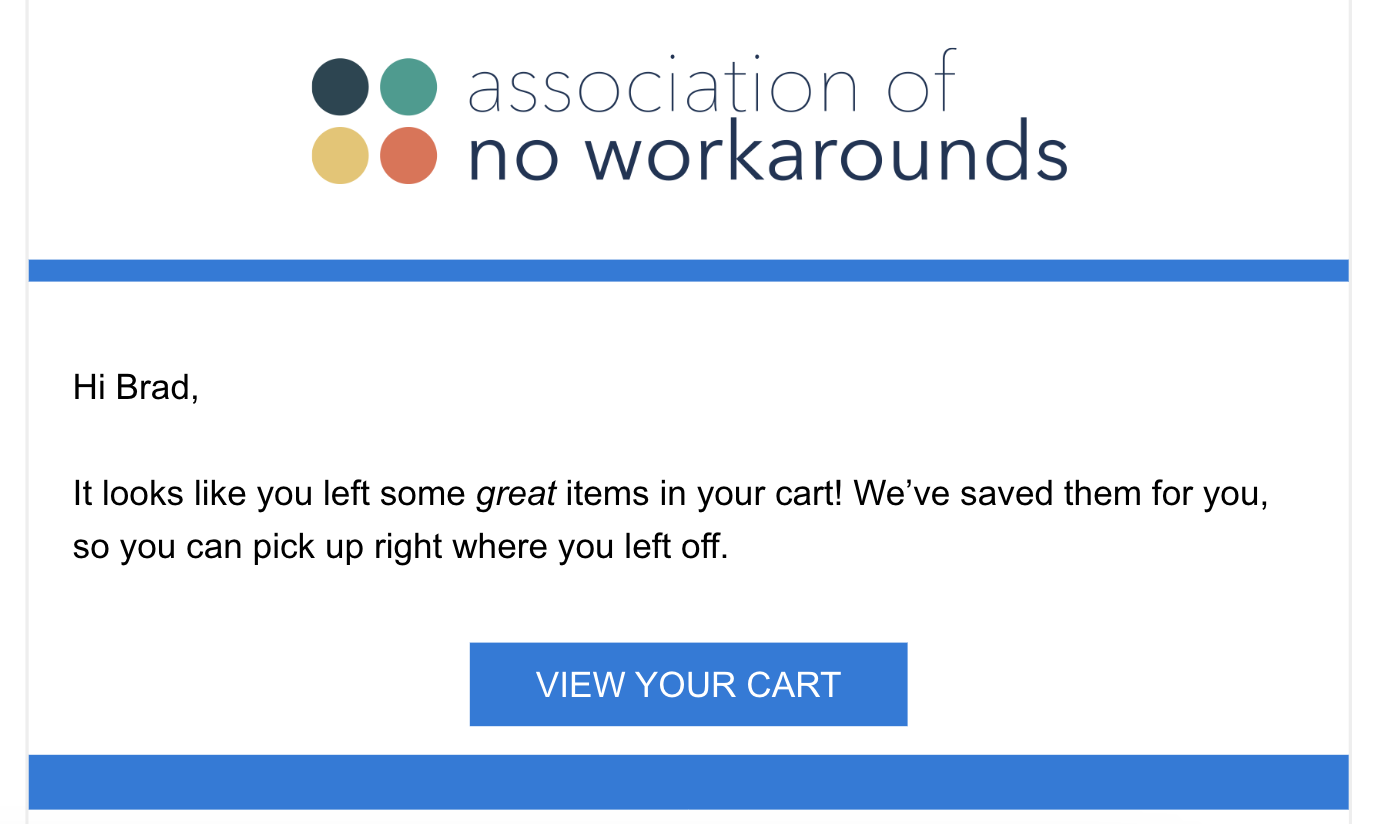
Edit Cart Abandonment Emails
To get started, navigate to:
Association Settings > Ecommerce tab > Cart Abandonment section

The Details:
When enabled here, the card abandonment email will send to logged-in users who've made changes to the products in their cart, but haven't checked out in the selected timeframe.
Adding, changing, removing, or changing quantities of products all count as changes to the cart, and will reset the timeline for the email to send.
By default, all sites are set to send the email after 10 hours, unless changed to one of the other options (1 hour, 6 hours, or 24 hours).
Once the timeframe has come around, the email will send within a few minutes. Emails will never send to those with "Do Not Send Marketing Emails" enabled.
The following merge fields can be applied to the email:
[[Name]]
[[FirstName]]
[[LastName]]
[[Email]]
[[NameAbbreviated]]
[[AssociationName]]
[[LinkToContactUs]]
[[LinkToCompass]]
[[EcommerceCheckoutUrl]]